
Affiliate centre · ClickBank vendor menloveyou
Quick start: your first promotion in 5 steps
Here is the order to do it in, from a free ClickBank account to your first email or post.
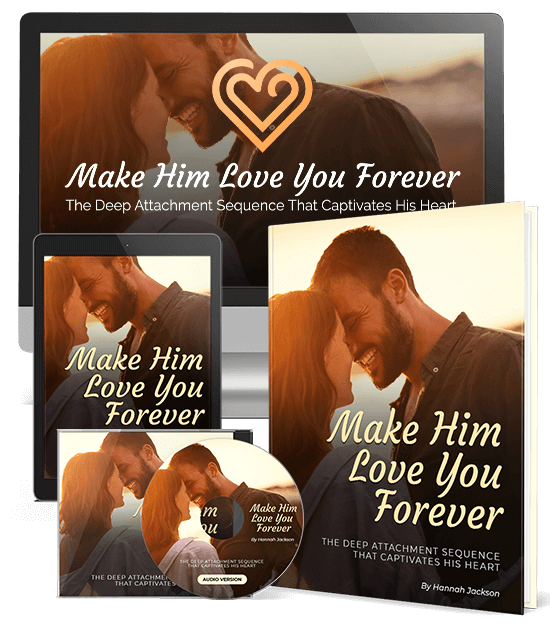
- Get a free ClickBank account. If you do not have one yet, sign up at clickbank.com. Your account nickname is your ClickBank ID, and it goes into every link you send.
- Make and save your hoplink. Type your ClickBank ID on the hoplink page, add a tracking ID if you like, and press Save. Every email, post, ad and banner code in this centre then carries your link.
- Pick your copy. Start with the story emails if you have a list, the social posts if you have a following, or an article if you have a blog. The hooks page shows which angle suits which audience.
- Warm readers up (optional). Put one of the presell pages on your own site and send cold traffic there first. Add banners to your sidebar or newsletter.
- Track and adjust. Use a different tracking ID for each email, post or ad (for example
email1,fb,blog) and check ClickBank's reports to see which ones sell. Do more of what works.
Before you send anything
- Read the rules: no spam, no promises of results, and always say that you earn a commission.
- Test your link once. It should open the Make Him Love You Forever letter.
- Questions? Email Andrew Rusbatch at andrew@
unicapublications.com .